An avatar you can talk to.
Athira avatars are drawn live in the browser, speak in real time and respond to the conversation as it happens. Ask Maren something and see for yourself.
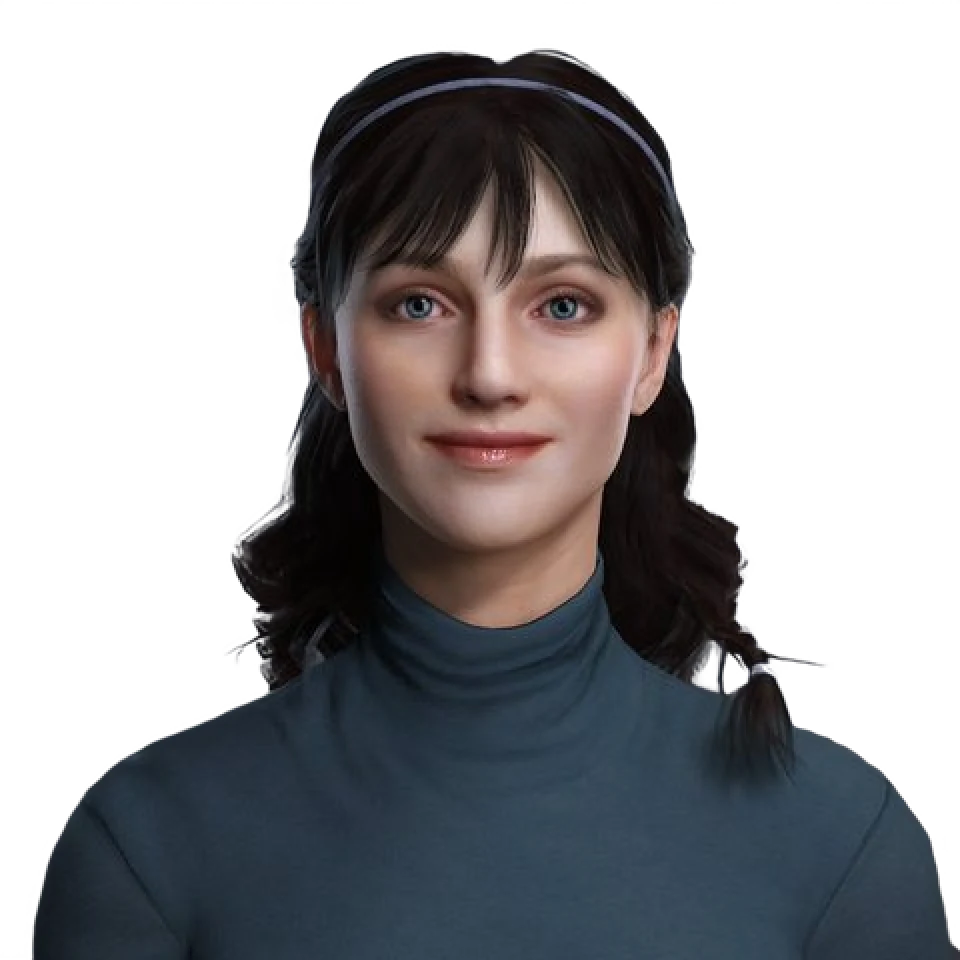
Talk to Maren.
Pick a question to start, or type your own. She answers the way she would on a company website.
Start with a question
Four systems, one reply.
Everything Maren does comes from four systems working together. Here they are in a single answer.
A visitor on a company website
"We're looking at this for our support team. Can someone show us how it works?"
Maren
Happy to. For a support team, the practice partner for customer calls is a good place to start. Shall I book a demo with the team?
- 01
Context
What she knows.
She answers from the knowledge and instructions the company approved, so she knows which part of the product fits a support team.
- 02
Behavior
How she responds.
She reads this as a request to see something, not a question to explain at length, so she keeps the answer short and warm.
- 03
Voice and visual
How she says it.
Speech streams out while the reply is still being made. Each mouth shape is timed to the sound it belongs to, and she blinks, breathes and nods between words.
- 04
Actions
What she does next.
She offers the next step, and books the demo when the visitor says yes.
Receptionist and guide.
The first face people meet on your website, and the one who shows them around. The same avatar also teaches and plays a practice partner.
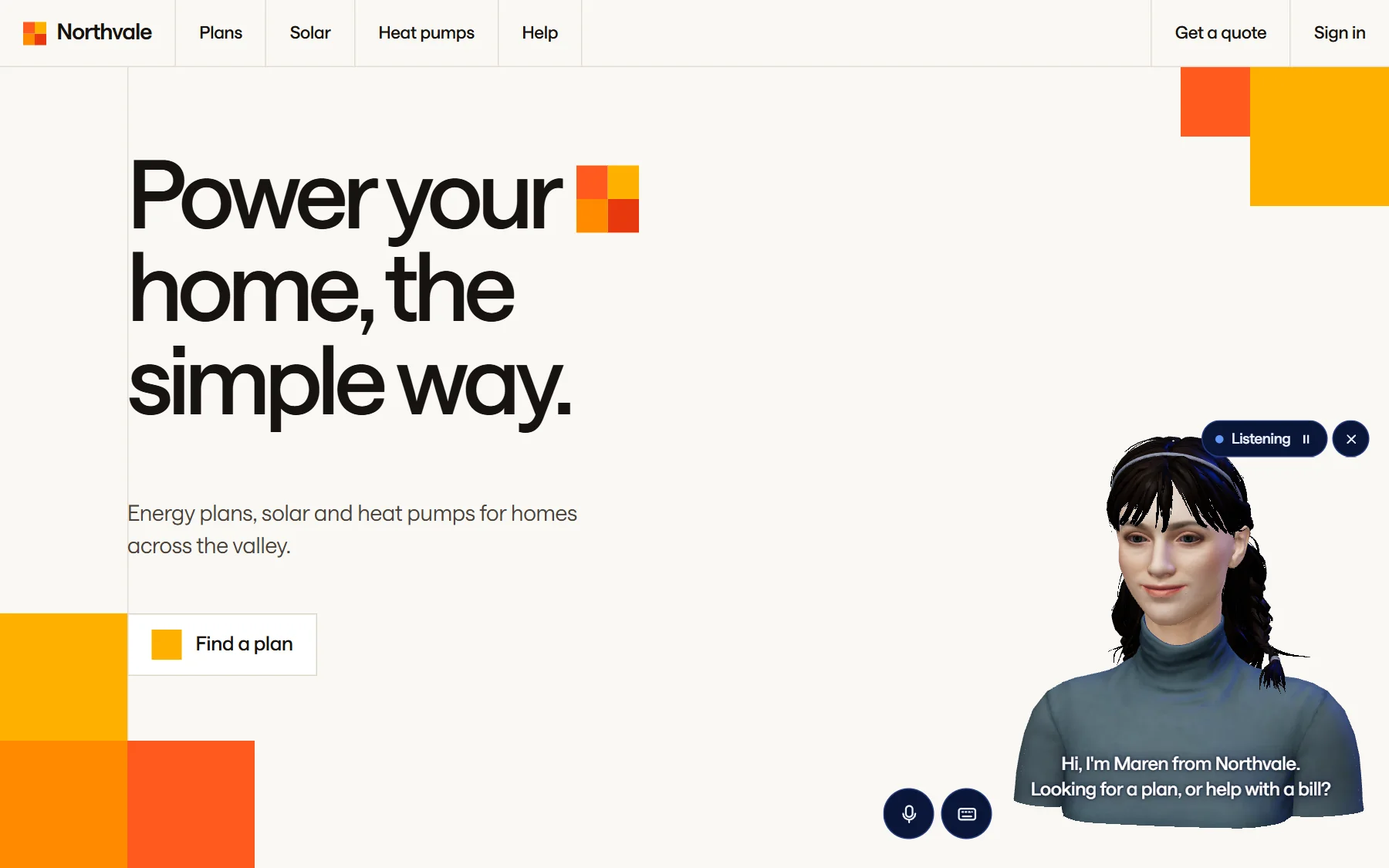
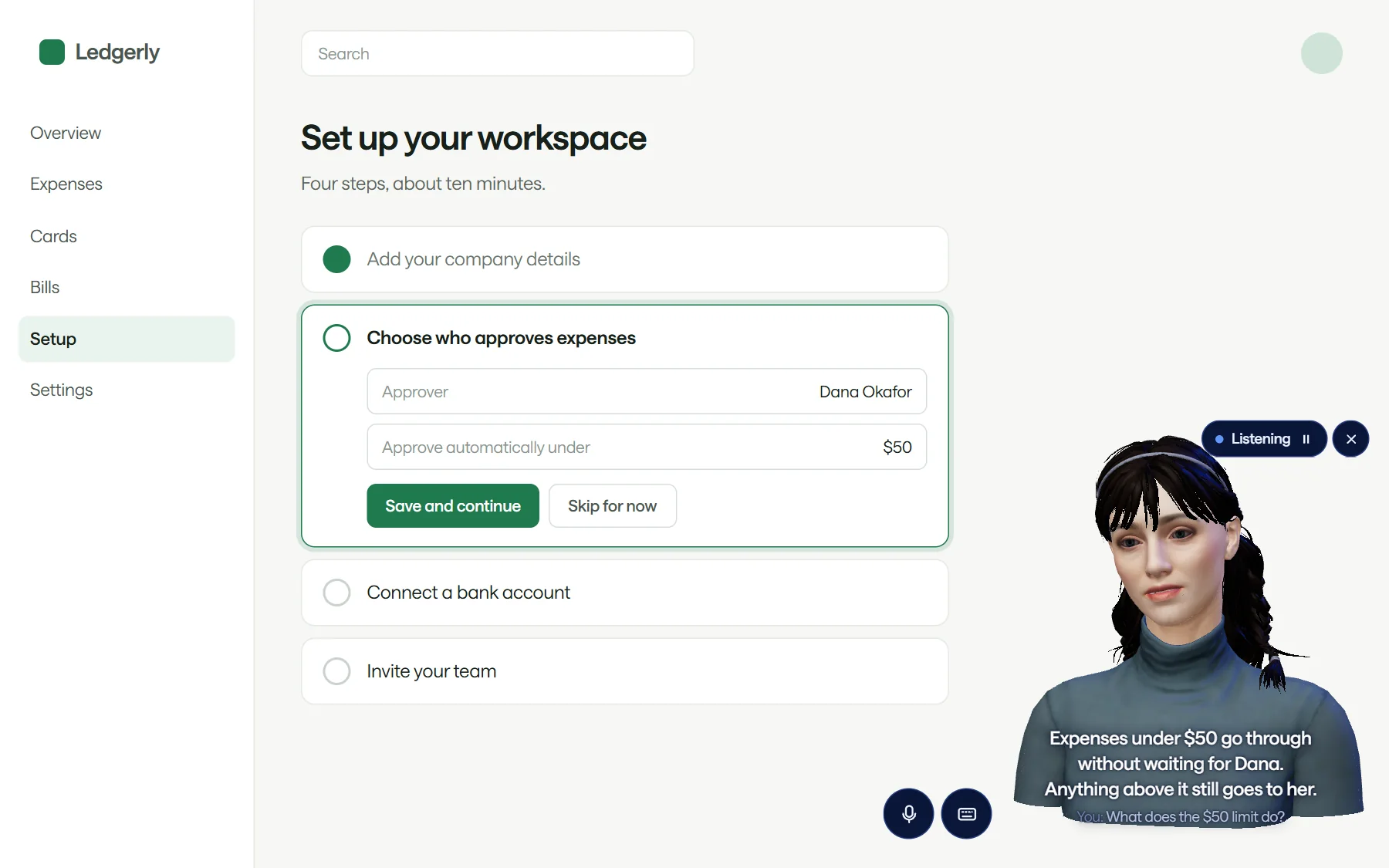
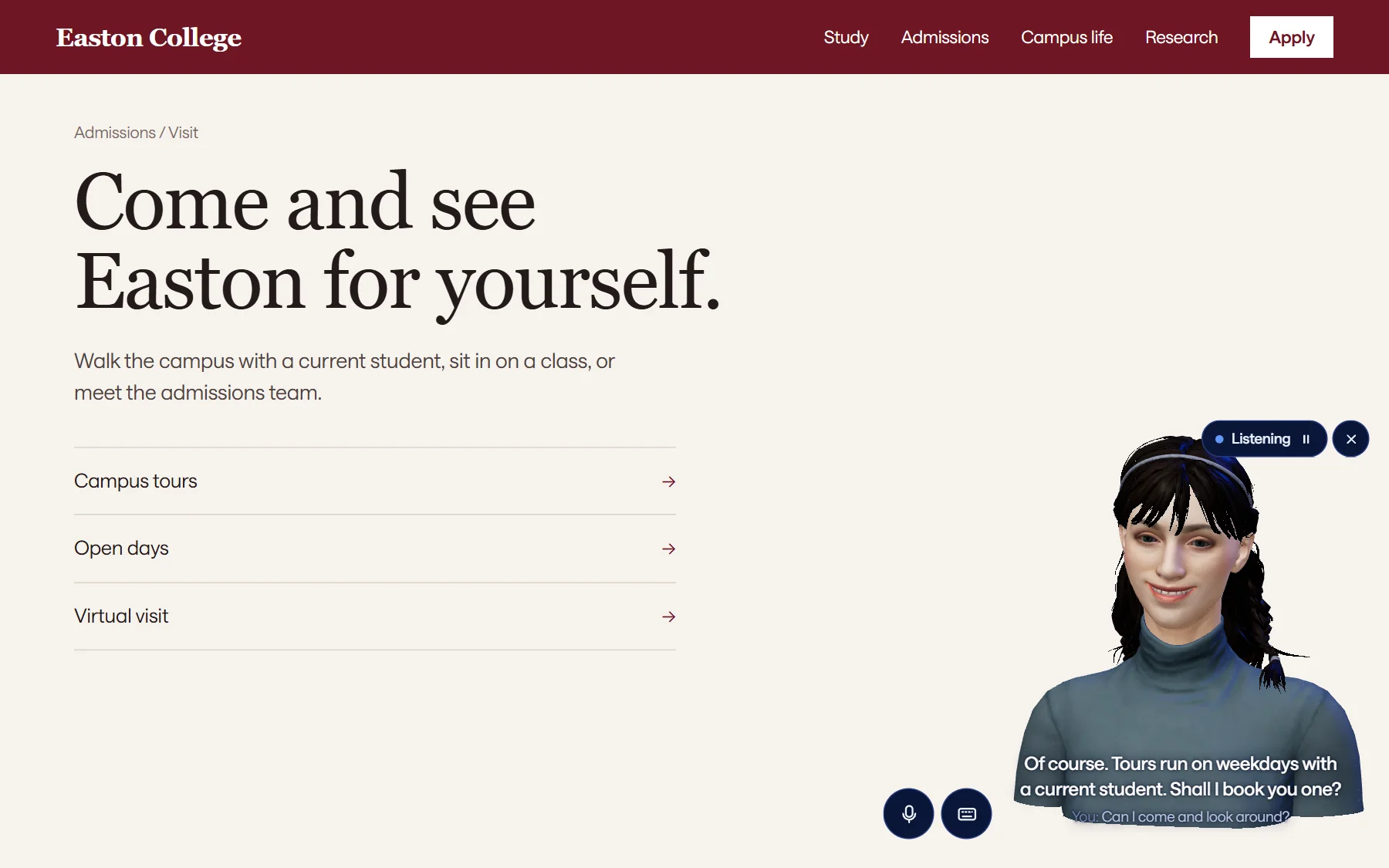
Example sites with sample content. Northvale, Ledgerly and Easton College are made up.
Built for a close-up.
Her face, eyes, mouth, hair and clothes are separate layers, drawn live in the browser on every frame.
- Brows and lashes Blend shapes on an ARKit-52 rig move the mouth, eyes and brows as she talks.
- Eyes Their own parts, so she can look at the person she is talking to.
- Teeth and tongue Shaped for speech, with lip sync timed to every sound.
- Hair A separate layer, so a look can change without touching the face.
- Face and body A dense surface, built for close-up speech.
- Clothing A separate layer too, like the hair.
Fast enough to feel like a conversation.
Speech is transcribed while the person is still talking, the reply is decided against the task at hand, and audio streams out while it is still being made.
English is supported today. More languages are planned.